
Generate AI Analytic Dashboards in Seconds
Author
Aditya Gupta
Date Published
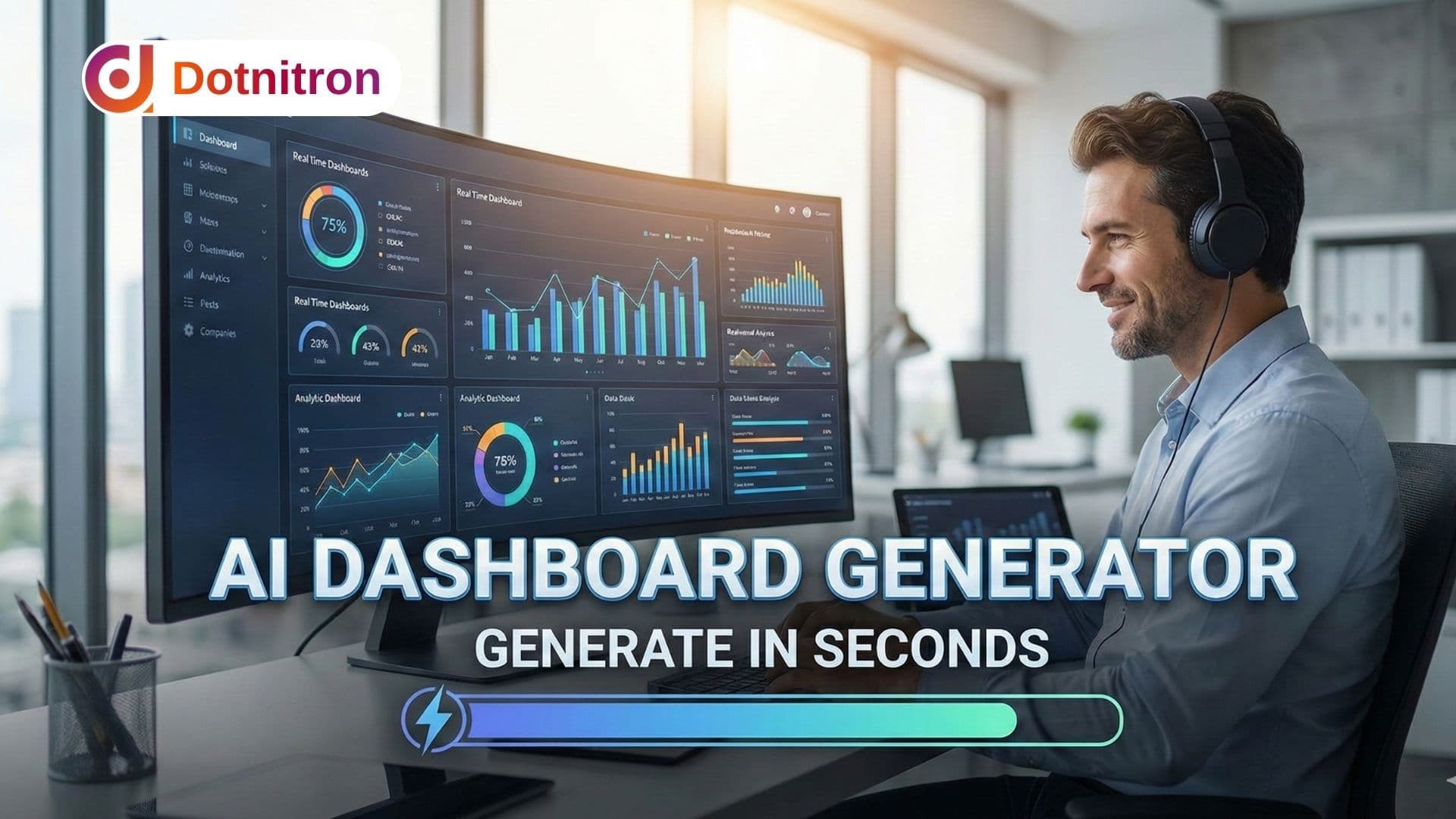
Generate AI Analytic Dashboards in Seconds: The Ultimate AI Dashboard Generator for Data Professionals
In the traditional world of business intelligence (BI), the distance between a "need for data" and "visualizing that data" is measured in days—sometimes weeks. It involves a tedious cycle of requirements gathering, wireframing, developer handoffs, and endless tweaking of CSS or SQL queries.
But the landscape of data visualization has shifted permanently. The era of manual drag-and-drop is being superseded by Gen BI (Generative Business Intelligence).
We are witnessing the rise of AI Analytic Dashboards—intelligent interfaces that allow you to go from a simple text prompt to a fully coded, data-connected dashboard in seconds. Leading this transformation is Dotnitron, offering a fully customizable solution that empowers Data Scientists, Frontend Developers, and Product Managers to bypass the bottleneck of frontend design.
This guide explores the next generation of AI-powered BI, detailing how tools like Dotnitron’s Gen BI allow you to generate high-fidelity mockups, export clean HTML code, and unlock automated insights in a fraction of the time.
Defining the Next Generation of AI Dashboards
To understand why this technology is transformative, we must first distinguish between "standard" visualization tools and true AI-driven generation.
Standard BI tools (like Tableau or PowerBI) are passive. They require you to explicitly tell them what to visualize, how to format it, and where to place it. They are powerful, but they are manual.
AI Dashboard Generators—exemplified by Dotnitron’s Gen BI—are active. They utilize advanced generative AI to understand intent. When you type a command like "Create a real-time sales dashboard tracking MRR, Churn, and CAC with a dark mode UI," the AI doesn't just search for a template. It constructs a unique layout, selects the appropriate chart types for those specific metrics, and generates the underlying code structure to support it.

What Sets AI Analytic Dashboards Apart from Traditional BI Tools?
The core differentiator is semantic understanding. Traditional tools understand data types (integer, string, date). Gen BI understands business context.
- Contextual Awareness: A Gen BI system knows that "Churn Rate" is best visualized as a line chart showing a trend over time or a gauge chart showing current health, without you needing to specify it.
- Generative UI (GenUI): Instead of static widgets, the interface itself is fluid. The AI generates the user interface components on the fly based on the complexity of the data you are asking to see.
- Speed to Insight: The primary metric for success here is velocity. The goal is to reduce the "Time to Dashboard" from 40 hours to 40 seconds.

Use Cases: Who Needs Rapid AI Dashboard Generation?
While this technology is impressive to watch, its practical application solves distinct pain points for three core professional groups identified in our analysis:
- Data Scientists & Analysts: You have the data, but building the frontend is a bottleneck. You want to present your findings without spending hours on
matplotlibstyling or React component boilerplates. - Frontend Developers: You need to build a client-facing analytics portal. Dotnitron acts as a force multiplier, creating the HTML/CSS structure and chart library integration instantly, allowing you to focus on the backend logic.
- Product Managers & UX Designers: You need dashboard mockups with AI to validate ideas with stakeholders. Instead of drawing static wireframes in Figma, you can generate interactive, high-fidelity prototypes to gather feedback immediately.
Step 1: From Prompt to Prototype – AI Dashboard Mockups in a Flash
The workflow of the future begins with natural language. The "blank canvas paralysis" that plagues many designers is solved by conversational interfaces powered by models like Llama 3 and GPT-4o.
Generating High-Fidelity Dashboards via Natural Language Input
The magic lies in the prompt. Advanced AI dashboard generators have been trained on millions of UI patterns and data visualization best practices. This allows users to issue complex, multi-layered instructions.
For example, a prompt using Dotnitron’s Gen BI might look like this:
"Generate a logistics dashboard for a fleet manager. Include a live map of active trucks on the left, a vertical stack of delivery status KPIs on the right (On-Time, Delayed, Returned), and a heat map of fuel efficiency at the bottom. Use a clean, industrial color palette."
In seconds, the AI interprets this request. It understands spatial relationships ("on the left"), data hierarchy ("vertical stack"), and aesthetic preferences ("industrial palette").
However, the generation isn't just a static image. It is a functional UI. The buttons hover, the charts show tooltips, and the layout is responsive. This is the difference between an image generator and a true dashboard generator.
Supporting Specific Data Sources (e.g., Google Analytics, CRM, API)
A common misconception is that AI dashboards are just "pretty pictures" without substance. Dotnitron’s customizable solution allows you to pre-define the data structure during the generation phase.
You can specify:
- Google Analytics 4 (GA4): "Create a traffic overview based on my GA4 user acquisition report."
- PostgreSQL/SQL Databases: "Visualize the query results from my
monthly_orderstable." - CRMs (Salesforce/HubSpot): "Show me a pipeline velocity chart based on standard CRM deal stages."
By binding the prompt to a data schema, Gen BI ensures that the generated charts are not just visually appealing, but strictly compatible with the data formats you actually possess.
Step 2: Integration and Deployment – Connecting Your AI Dashboard to Your Data
This is where the "toy" tools are separated from the professional platforms. For a Data Professional or Developer, a dashboard is useless if it remains trapped inside the generation tool. You need to get it into your product, your codebase, or your staging environment.
Seamless Code Export: Downloadable HTML, React, or JavaScript Components
Dotnitron prioritizes developer experience (DX). Once you are satisfied with the generated mockup, the platform allows you to export the production-ready code—a critical feature for developer intent.
- HTML/CSS: For static sites or quick internal tools.
- React/Vue/Angular: Component-based exports that fit directly into modern web application stacks.
- Tailwind CSS: Dotnitron defaults to Tailwind for styling, ensuring the exported code is clean, utility-first, and easy to customize.
This feature alone saves countless hours of frontend boilerplate coding. Instead of writing div after div and configuring chart libraries like Recharts or Chart.js from scratch, Gen BI provides a working scaffold that you simply need to hydrate with real data.
Using GPT-4o for Guided API Wiring and Data Connection
Writing the fetch requests to connect your frontend dashboard to your backend API can be tedious. This is where the integration of specific LLMs like GPT-4o shines.
Within the Dotnitron workspace, you can utilize the AI to write the integration logic. You can provide the documentation for your specific API, and ask the Gen BI assistant:
"I am exporting this dashboard to React. Please write the
useEffecthook andfetchfunction to populate the 'Monthly Revenue' chart using this API endpoint:api.mycompany.com/v1/revenue."
The AI acts as a pair programmer, bridging the gap between the visual dashboard it created and the technical plumbing required to make it work. It can generate the JSON parsing logic, handle error states, and ensure the data formats match the chart requirements.
Smart Version Control and Collaboration for Development Teams
In a professional environment, dashboards are rarely a one-person show. As you iterate—perhaps tweaking the color scheme or changing a bar chart to a line chart—maintaining a history is vital.
Advanced platforms offer Version History. You can roll back to previous iterations of the dashboard if a new prompt steers the design in the wrong direction. This encourages experimentation, allowing teams to "branch" their designs and merge the best features into the final product.
Step 3: Unlocking Insights with AI-Powered Analytic Summaries
Once the dashboard is live and connected to data, the role of AI shifts from "Creator" to "Analyst." This is the domain of AI Analytic Dashboards. The goal here is not just to see the data, but to understand it without needing a degree in statistics.
Automated Data Summarization: Get Key Takeaways from Complex Dashboards
Staring at a dashboard with 20 different widgets can be overwhelming. "Analysis Paralysis" is real.
By integrating models like Gemini 2.0 Flash (known for its massive context window and speed), Dotnitron can offer a "Summarize This View" feature. The AI scans the data points currently populated in the dashboard and generates a natural language executive summary.
Instead of interpreting complex scatter plots, a user reads:
"Overall revenue is up 12% MoM, primarily driven by a surge in Enterprise subscriptions in the EMEA region. However, customer churn has spiked by 3% in the SMB segment, correlating with the recent pricing update."
This turns a dashboard from a passive monitoring tool into an active reporting agent.
Identifying KPI Drivers: AI Models That Explain Changes in Metrics
The most common question asked in any board meeting is, "Why?"
- "Why is traffic down?"
- "Why is Cart Abandonment up?"
Traditional BI dashboards require you to drill down, filter, and pivot data manually to find the answer. Gen BI utilizes "Key Driver Analysis".
You can click on a metric—say, a sudden dip in Conversion Rate—and ask the AI to analyze the underlying data drivers. The AI might scan thousands of rows of data to find that the dip is statistically significant only among mobile users on iOS devices, pointing instantly to a technical bug rather than a marketing failure.
Predictive Analytics and Forecasting within Your Custom Dashboard
Finally, the integration of statistical models allows Dotnitron dashboards to look forward, not just backward. By analyzing historical trends visible on the dashboard, the AI can project future performance.
This isn't just simple linear regression. The customizable solution can account for seasonality and anomalies, projecting a "Likely Range" for your KPIs over the next quarter. This allows businesses to be proactive, adjusting strategy before a metric falls off a cliff.
Why Dotnitron is the Superior AI Dashboard Solution
In the crowded market of BI tools and mockup generators, Dotnitron stands out by focusing on the complete lifecycle of dashboard creation.
While other tools might just give you a static image, or a simple chart, Dotnitron’s Gen BI provides an end-to-end ecosystem for the modern Data Professional.
- True Customization: Unlike rigid competitors, Dotnitron is a customizable solution. It adapts to your specific tech stack, your specific color guidelines, and your specific data architecture.
- Model Diversity: We don't rely on a single AI model. We leverage the strengths of GPT-4o for code generation and logic, Gemini 2.0 for massive data summarization, and specialized vision models for interpreting your design sketches.
- True Developer Export: We don't lock you in. Our "Export to HTML/React" feature is robust, clean, and production-ready. We believe your dashboard belongs to you, not us.
- Speed: We understand that in the current market, speed is the ultimate competitive advantage. Our platform is optimized to get you from "Thought" to "Visualization" in seconds, not hours.
Frequently Asked Questions (FAQs)
Q: Can I use my own data with Dotnitron’s Gen BI? A: Absolutely. While the initial generation often uses placeholder data to establish the layout, our platform is designed to connect to real-world data sources including SQL databases, Google Sheets, and REST APIs immediately after generation.
Q: Is the code exported by Gen BI clean and usable? A: Yes. We prioritize semantic, accessible HTML and modern framework standards (like React Hooks). The code is designed to be readable by developers, not just machines, making it easy to maintain and extend.
Q: Do I need to know how to prompt engineering to use this? A: No. While detailed prompts help, Dotnitron uses "Prompt Enhancement" behind the scenes. You can type a simple request like "Sales Dashboard," and our AI will expand that into a detailed technical prompt to ensure a high-quality output.
Q: How secure is my data when using Gen BI analytics? A: We prioritize enterprise-grade security. When using features like AI Summarization, your data is processed ephemerally and is not used to train public AI models, ensuring your proprietary business intelligence remains confidential.
Q: Can I customize the dashboard after the AI generates it? A: Yes. The AI generation is just the starting point. Because Dotnitron is a fully customizable solution, you have full control to drag, drop, resize, and reconfigure any element, or dive into the code to make granular adjustments.
Ready to stop building dashboards pixel-by-pixel? Experience the power of DotNitron Gen BI today and generate your first AI analytic dashboard in seconds.